
What this guide covers
Keep approved assets ready for messages.
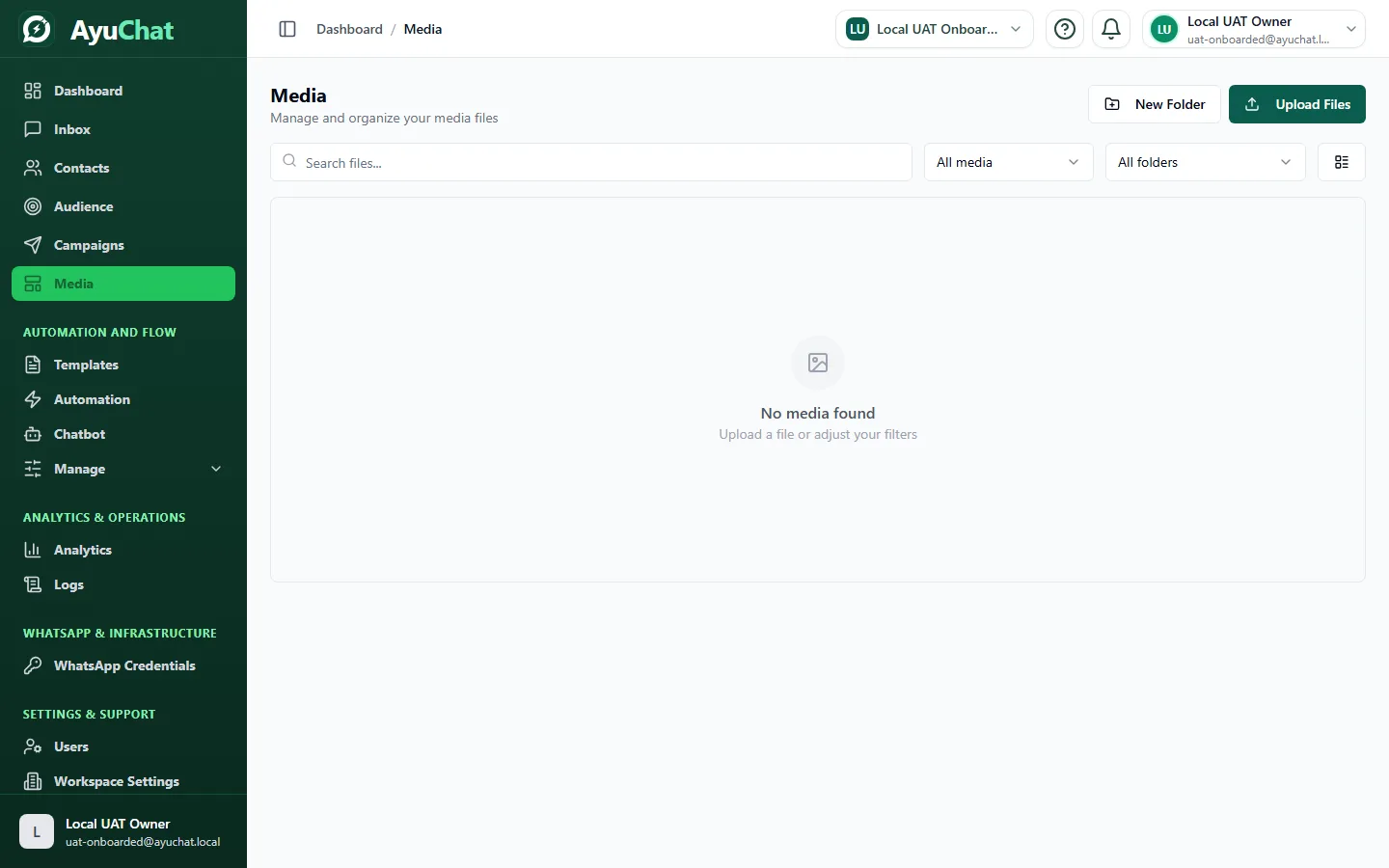
Upload a supported file and give it a recognizable display name. Use folders to group campaign, product, and support assets. Check file type and size before upload. Removing a library item does not undo messages that already used it.
Before you begin
- Sign in to AyuChat and confirm the correct workspace is selected.
- Use a role with access to Media.
- Keep real customer data, API keys, payment details, Meta tokens, OTPs, and passwords out of screenshots and support messages.
Where to find it in AyuChat
Open the customer SaaS app and navigate to the Media area at /admin/media. If the page is unavailable, review your role permissions, active workspace, and plan access.
Recommended workflow
- Start with a small controlled test in the active workspace.
- Review the visible status, validation messages, and saved data before using the feature for real customers.
- Check related logs, analytics, or delivery state when the action depends on WhatsApp, automation, integrations, billing, or webhooks.
- Document any non-secret identifiers needed for support, such as record id, invoice number, campaign name, or timestamp.
Verify the result
- The expected record, status, or configuration appears after refresh.
- No page shows a blank screen, auth loop, CORS error, or unexpected server error.
- The result belongs to the selected workspace only.
- Any customer-facing message uses approved templates and consented contacts where required.
Common problems
| Problem | What to check |
|---|---|
| Feature is missing or disabled | Confirm role permission, plan entitlement, and active workspace. |
| Data looks incomplete | Refresh the page and verify the workspace switcher before assuming records are missing. |
| Action fails validation | Review required fields, connected WhatsApp state, template approval, file type, or billing state depending on the feature. |
| External provider behavior differs | Check the current provider dashboard or official provider documentation for policy, billing, or review-state changes. |