What you will accomplish
Understand the building blocks of AyuChat automation: triggers, conditions, actions, waits, template sends, and run logs.
Core concepts
| Concept | Meaning |
|---|---|
| Trigger | The event that starts a flow, such as a contact event, message event, form submission, or supported webhook event. |
| Condition | A rule that chooses which path to follow based on contact data, tags, message content, or prior activity. |
| Action | A step that updates data, sends a template, calls an integration, or moves the workflow forward. |
| Run log | The trace of what happened during a workflow execution. |
Before you build
- Define the business outcome before opening the builder.
- Use a synthetic contact for testing.
- Use approved templates for any WhatsApp send action.
- Confirm the integration or API key used by the flow is active.
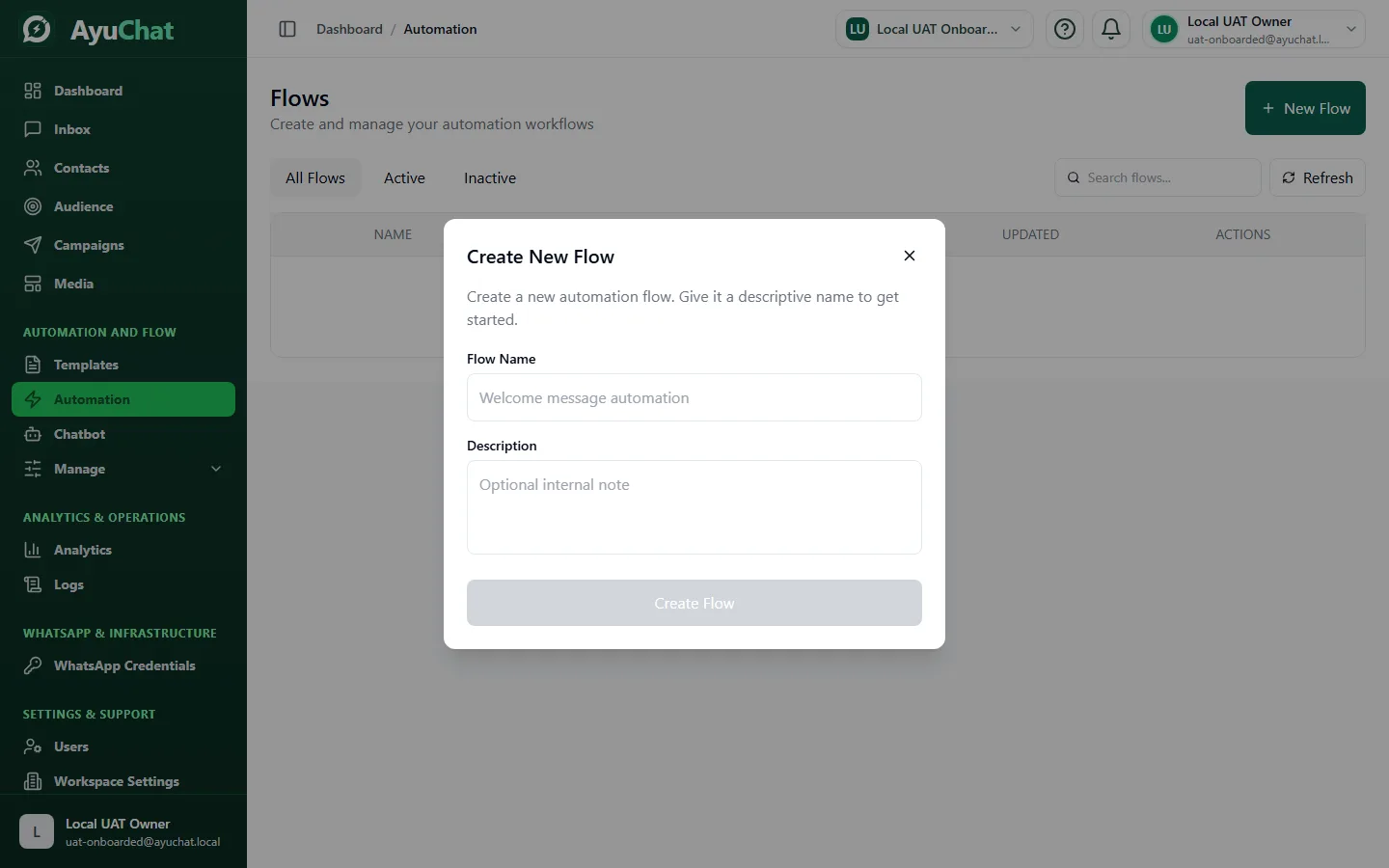
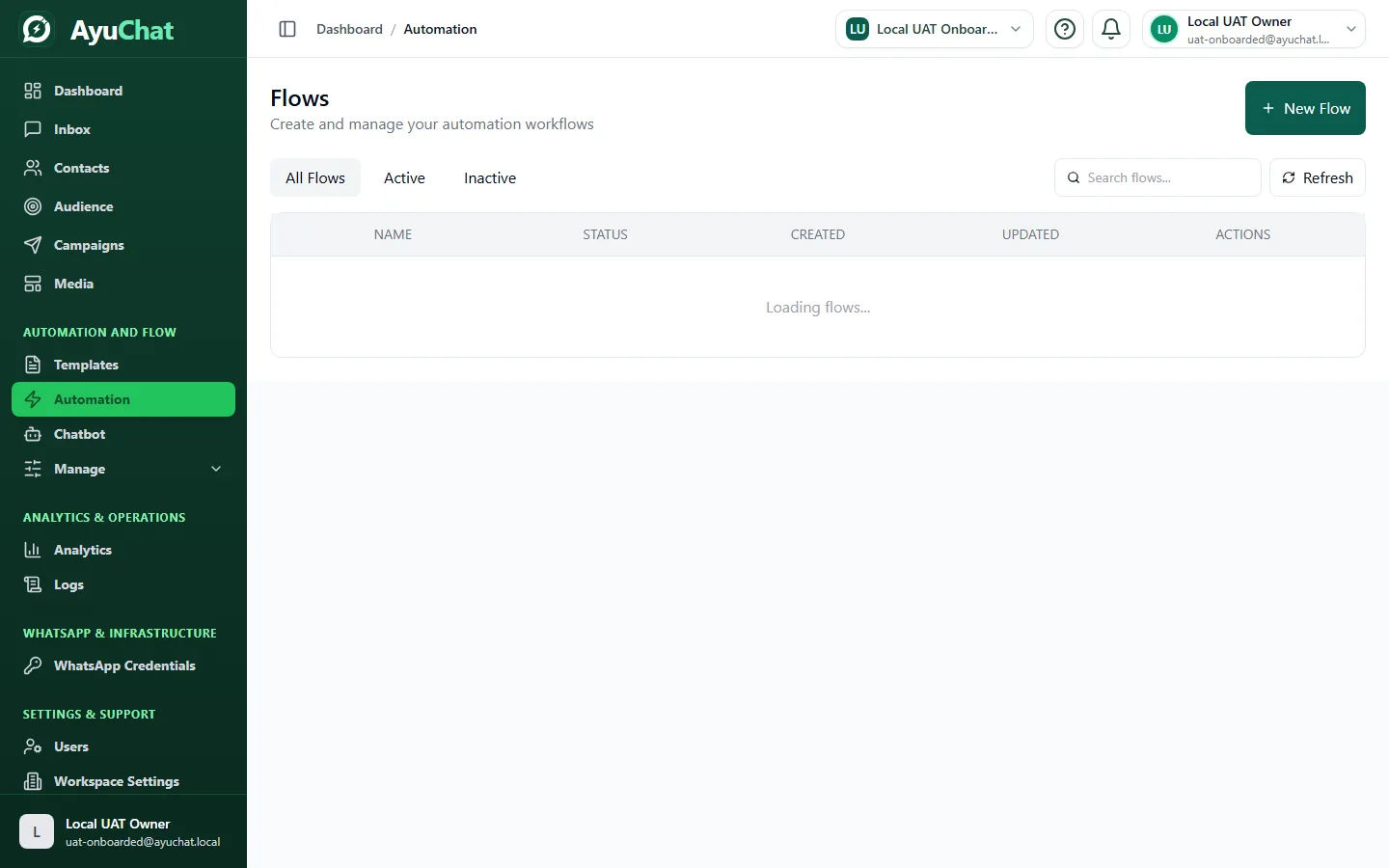
Step 1 - Choose the trigger
Pick the narrowest trigger that matches the job. A broad trigger can start too many runs and surprise agents or customers.
Step 2 - Add conditions
Use conditions to avoid sending the wrong content. Segment by tag, field value, previous action, audience, or event metadata where the product exposes those values.
Step 3 - Add actions
Configure each action fully. For template sends, verify that the selected template is approved, belongs to the connected WhatsApp account, and has every variable mapped.
Step 4 - Test with controlled data
Run the flow with a synthetic contact or internal workspace data. Inspect the run log before publishing.
Troubleshooting failed runs
| Failure | What to inspect |
|---|---|
| Missing trigger data | Whether the triggering event includes the field used by the flow. |
| Template send failed | Template status, variables, WhatsApp connection, contact opt-out, and plan limits. |
| Integration failed | Credential validity, endpoint status, and required fields. |
| Unexpected branch | Condition order and the exact contact/event values used by the run. |